Welcome to arnold™
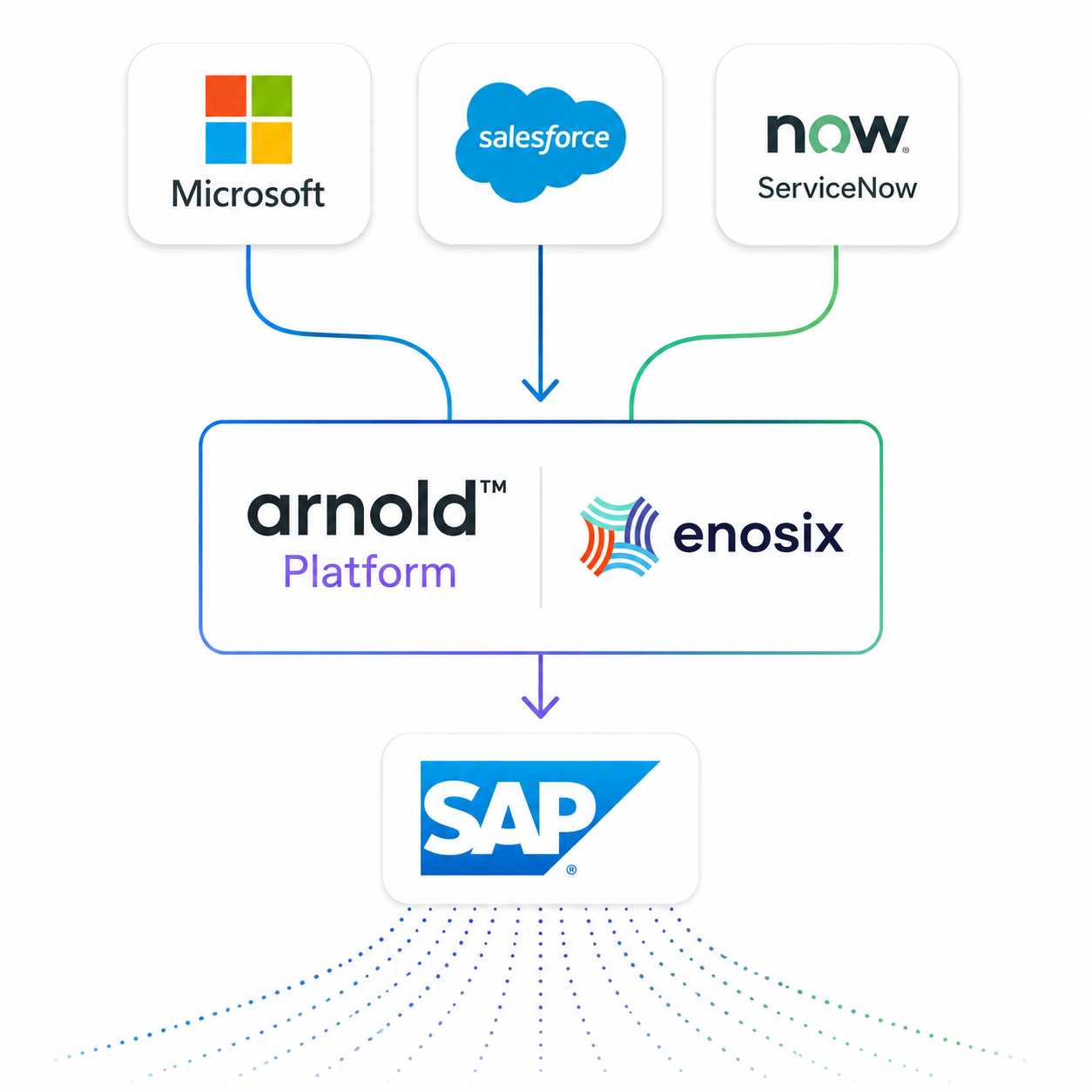
arnold™ transforms how people interact with SAP by connecting enterprise AI assistants directly to live SAP data through the Model Context Protocol (MCP). Available for Microsoft Copilot, Salesforce Agentforce, ServiceNow, and other MCP-compatible AI hosts, arnold™ eliminates integration complexity and enables users to retrieve information and execute SAP business processes using natural language.
Instead of switching between applications or navigating complex SAP transactions, users can simply ask questions in chat. arnold™ securely orchestrates requests to SAP, returning live business data and enabling AI-powered workflows that save time, accelerate user adoption, and improve productivity across the enterprise.
Getting Started with arnold™
A typical arnold™ deployment includes the following components:
Customer-Managed Components
- SAP ECC or SAP S/4HANA
- SAP BTP API Proxy
- SAP Cloud Connector
- Microsoft 365 with Copilot Studio
Note: Customers are responsible for licensing and usage of Microsoft Copilot and related AI services.
enosix-Managed Components
- arnold™ (MCP Server)
The enosix Portal is available:
- in the North America production environment at https://na.arnold.enosix.io
- in EU production environment at https://eu.arnold.enosix.com/
Creating a New arnold™ Account
To get started with arnold™:
- Navigate to the enosix Portal production URL depending on your geographical location NA or EU .
- Sign in using your organization’s Microsoft Entra ID.
- Upon first login you are required to consent, your account is registered automatically.
An administrator can assign your role within the portal. Access to the portal is controlled by tenant allowlisting.
Connecting arnold™ to Copilot Studio
arnold™ integrates with Microsoft Copilot Studio using the Model Context Protocol (MCP). High-level steps include:
- Create or open an AI agent in Copilot Studio.
- Configure the agent to connect to arnold™ using the MCP endpoint details provided by enosix.