Hello All!
📣 enosix is announcing our new solution, enosix Sync for Salesforce 📣
enosix Sync for Salesforce provides a Salesforce native app with the ability to replicate data from SAP to Salesforce.
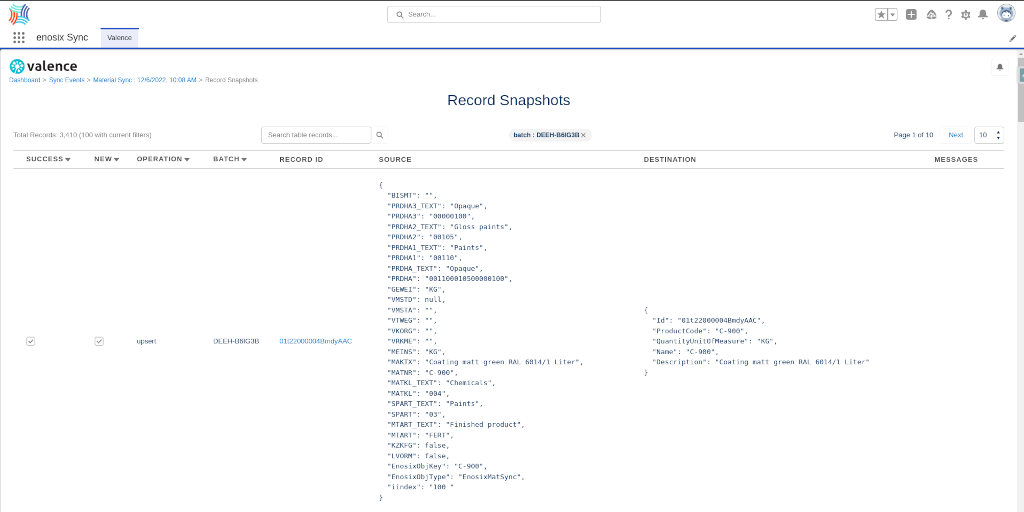
1️⃣ Data is copied (replicated) from SAP to a Salesforce sObject on a daily or hourly schedule
2️⃣ Synced data can be used in Salesforce Reports, Formula fields since it is copied to Salesforce
Note: Depending on your batch schedule, data may be out of date. For real-time data use our Surface App.
FEATURES:
-
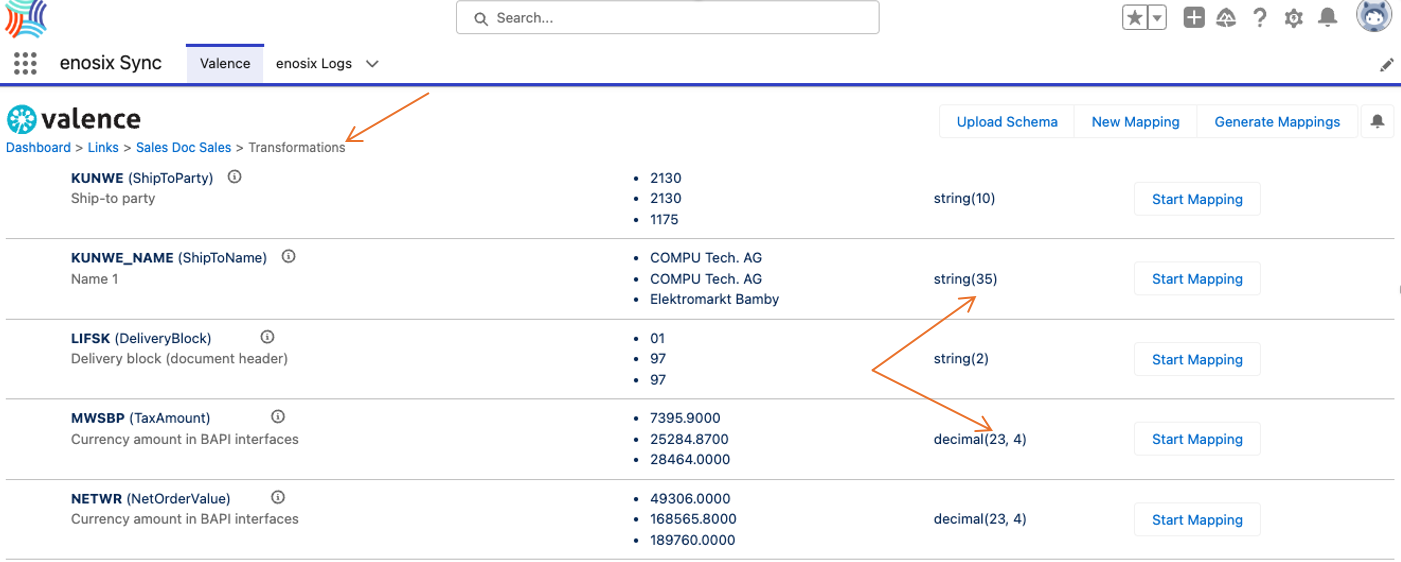
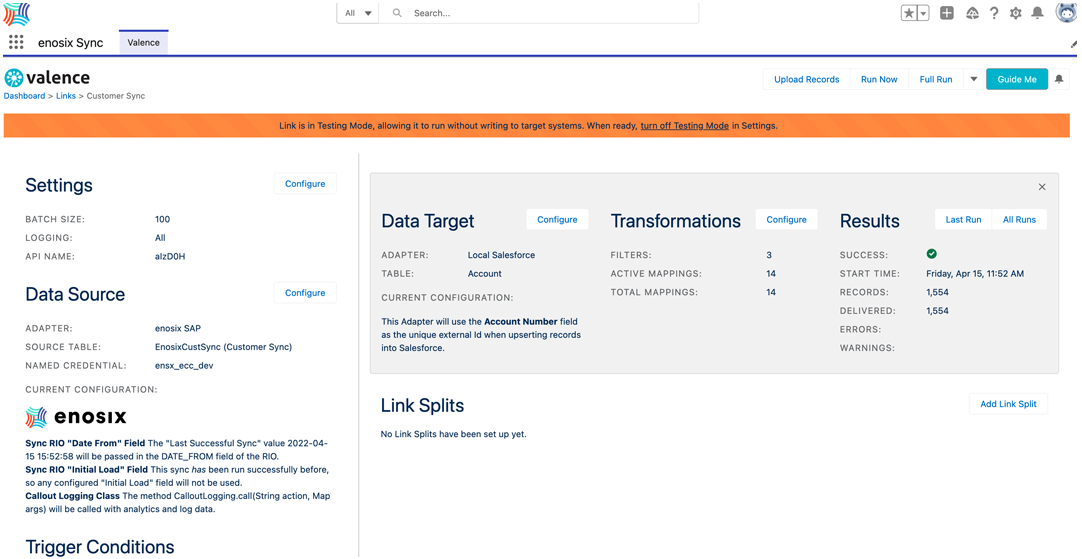
Admin friendly interface for configuring synchronization jobs from SAP to Salesforce
-
Source date from the library of enosix Sync Rapid Integration Objects
-
Target any native or custom Salesforce sObjects
-
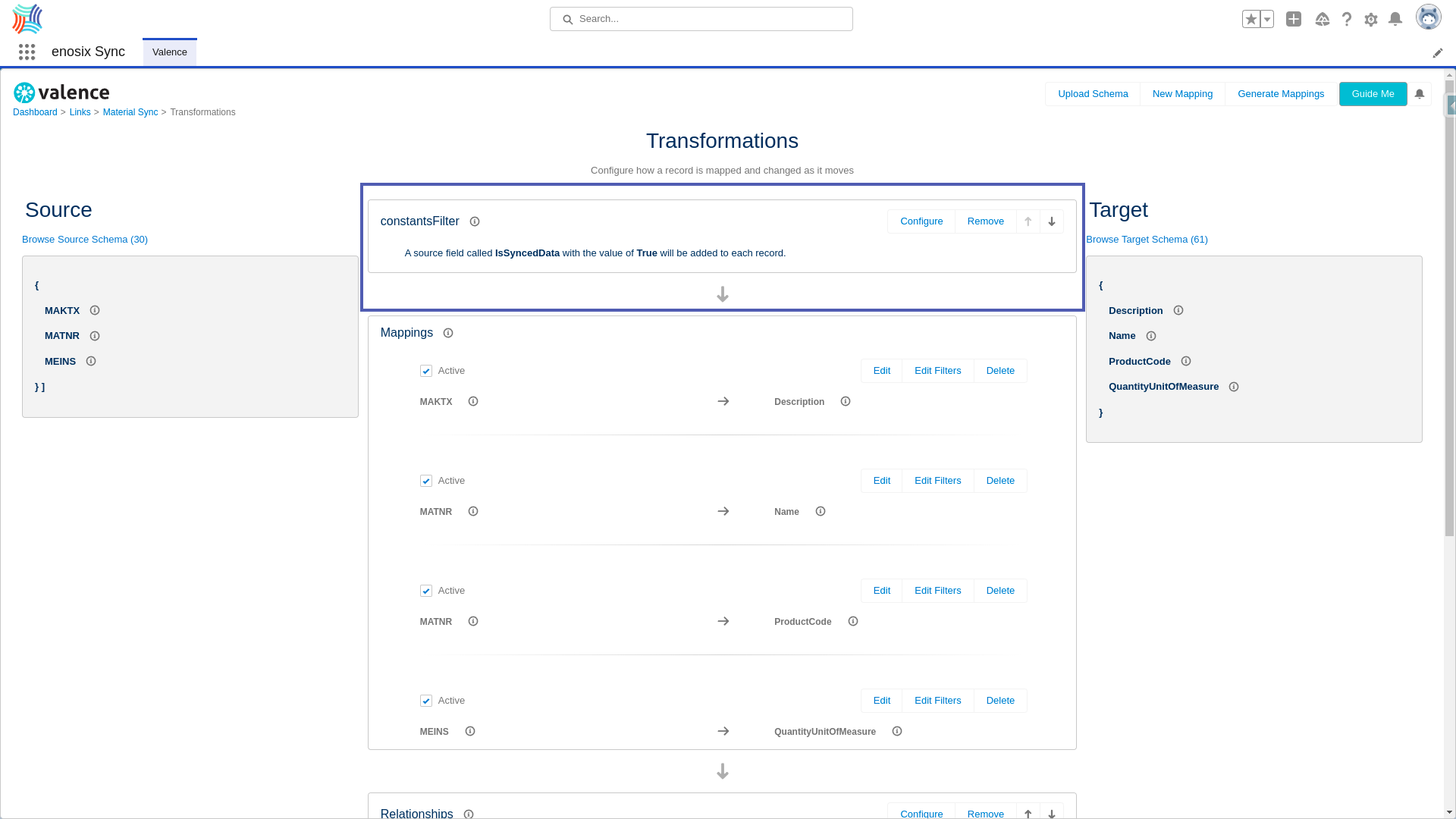
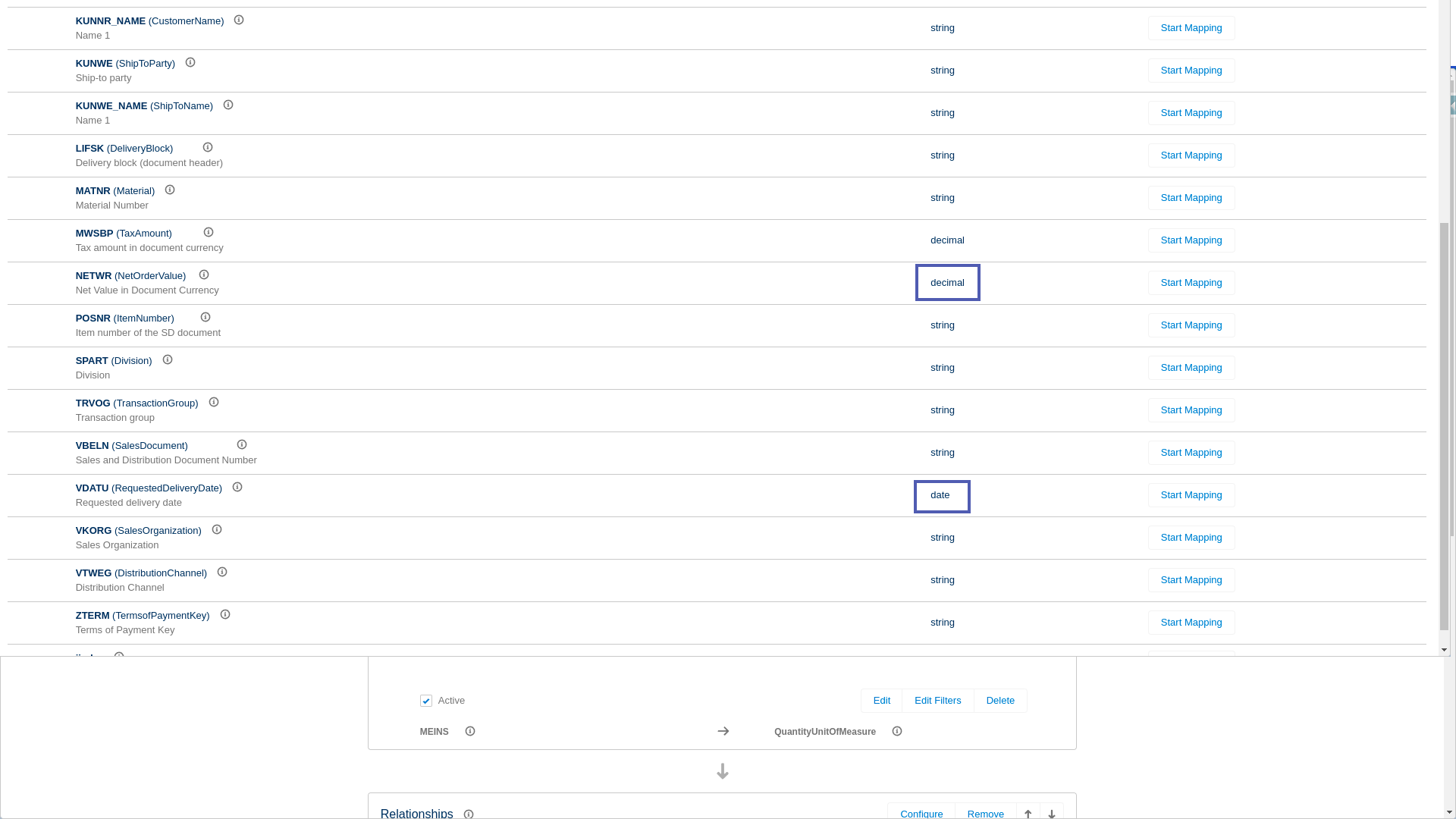
Built-in data transformation with field to field mapping
-
Built in job scheduling
-
Built in logging and error reporting
-
Syncs can be run in development mode for testing without data updates
-
enosix SAP adapter support for:
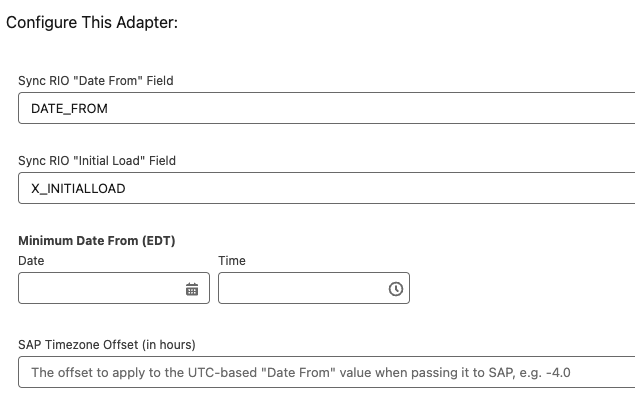
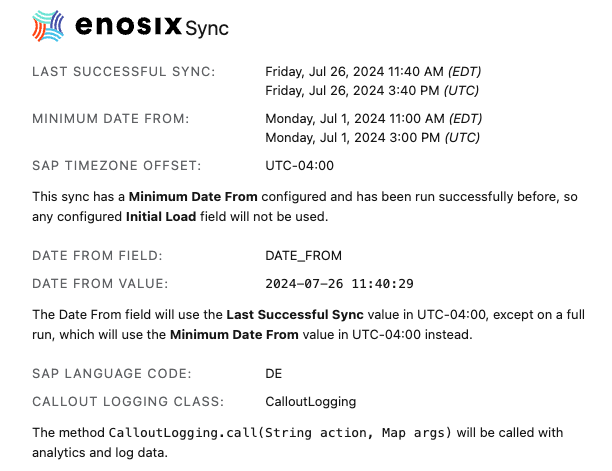
- Efficient initial and delta syncing based on last execution date
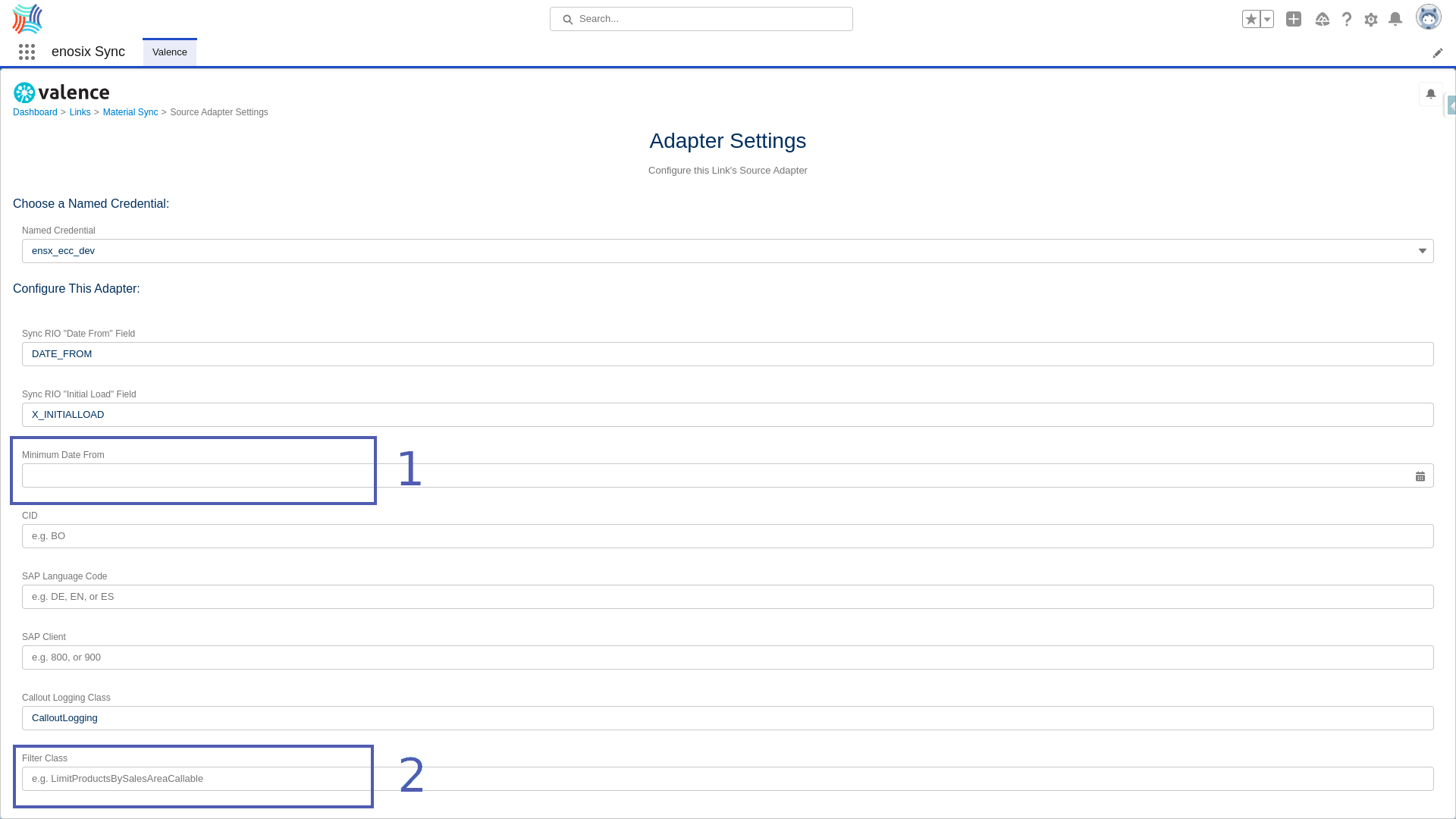
- Support for specifying the language used for localized description fields

👉 The enosix Sync app provides the Valence syncing framework and enosix adapter for SAP.
- [Feature]: Added support for
sap-language parameter to source localized data from SAP
- [Feature]: Added support for
sap-client parameter to source data from the non-default data client in SAP
- [Feature]: Add support for
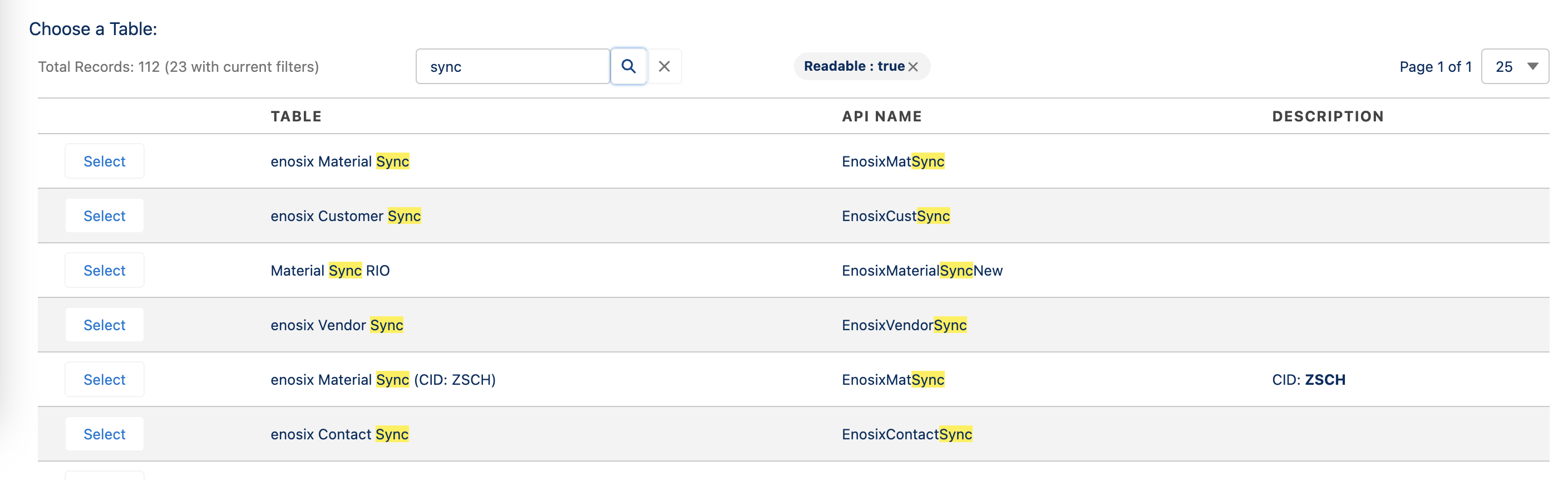
CID to enable specifying which enosix SAP framework calls are invoked
- [Feature]: Add support for scoped paging and batch/page size limits to allow Valence to properly plan the number of scopes needed to efficiently process data
- [Feature]: Add support for specifying a
System.Callable for logging HTTP callout information for debugging purposes.
- [Feature]: Add support for specifying
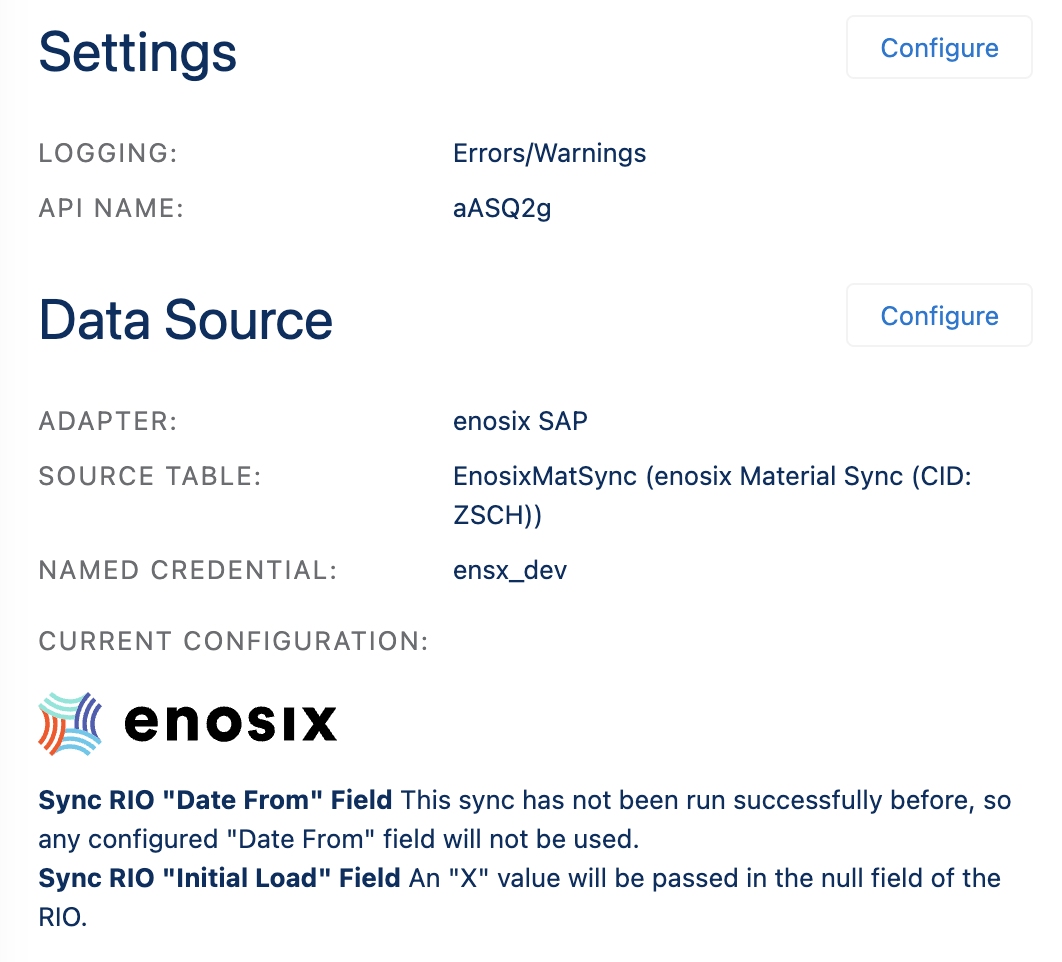
Last Queried Date and Initial Load fields to enable enosix SAP framework optimizations to occur for full and partial syncs.