Swagger UI
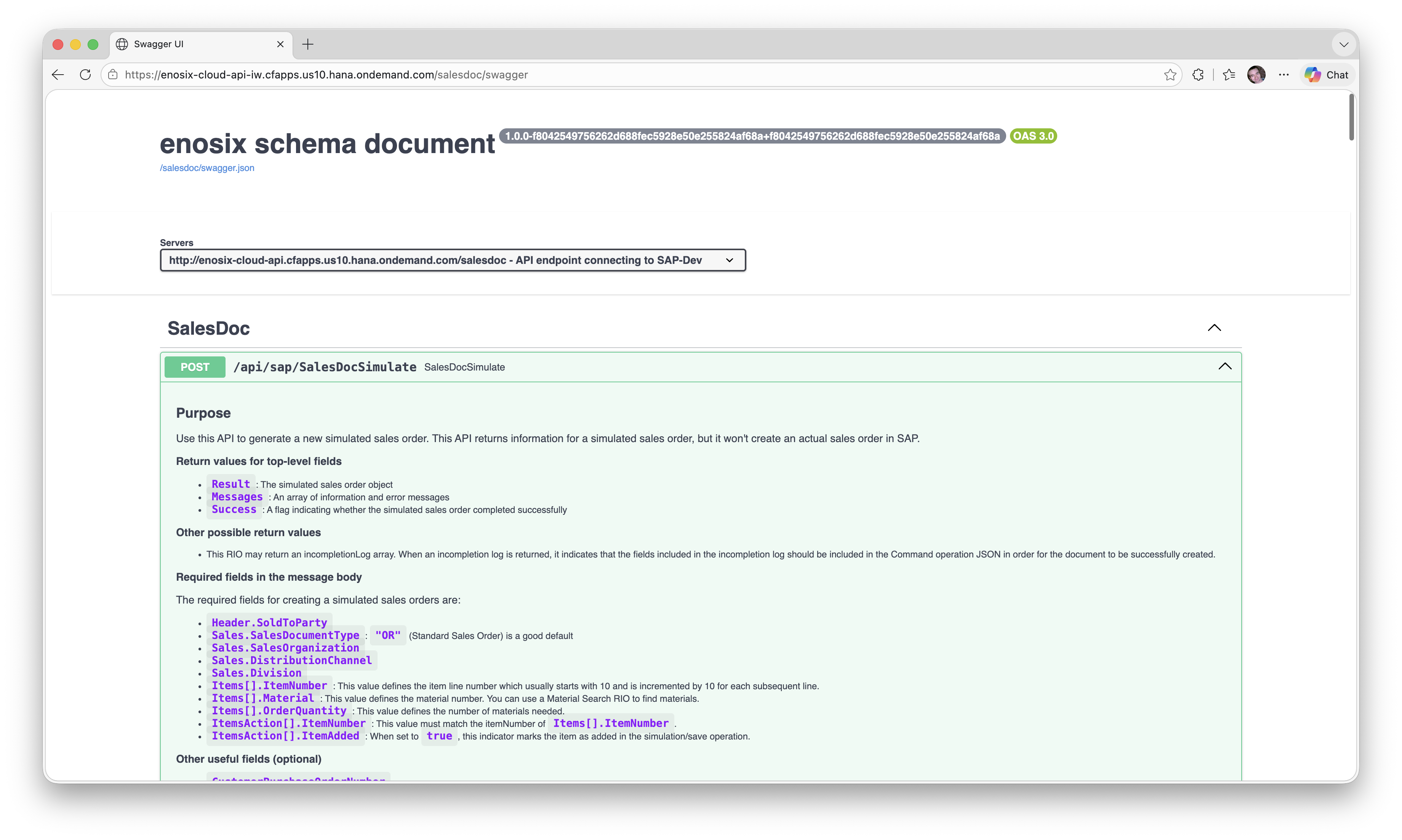
When SwaggerEnabled is set to true for an API Proxy, Link exposes a Swagger UI endpoint that renders the OpenAPI Specification (OAS) file associated with that proxy. This provides a human-readable view of the API schema—including available endpoints, request parameters, and response structures—directly in the browser.
When SwaggerEnabled is set to true for a Proxy, Link exposes a Swagger UI endpoint that exposes the login and RFC_GET_SAP_SYSTEM_PARAMETERS endpoint. This provides an interactive tool to support debugging connectivity, login, and SSO related issues.
The following endpoints become available for the proxy at its configured Path:
| Endpoint | Description |
|---|---|
/{Path}/swagger | Swagger UI — renders the API schema in a browser-friendly interface |
/{Path}/swagger.json | OpenAPI Specification — the raw OAS JSON document |
/{Path}/swagger.yaml | OpenAPI Specification — the raw OAS YAML document |
Enabling Swagger UI
Swagger UI is disabled by default. To enable it, set SwaggerEnabled: true in the API Proxies configuration:
ApiProxies__0__SwaggerEnabled: true
To enable it, set SwaggerEnabled: true in the Proxies configuration:
Proxies__0__SwaggerEnabled: true
API Key Configuration
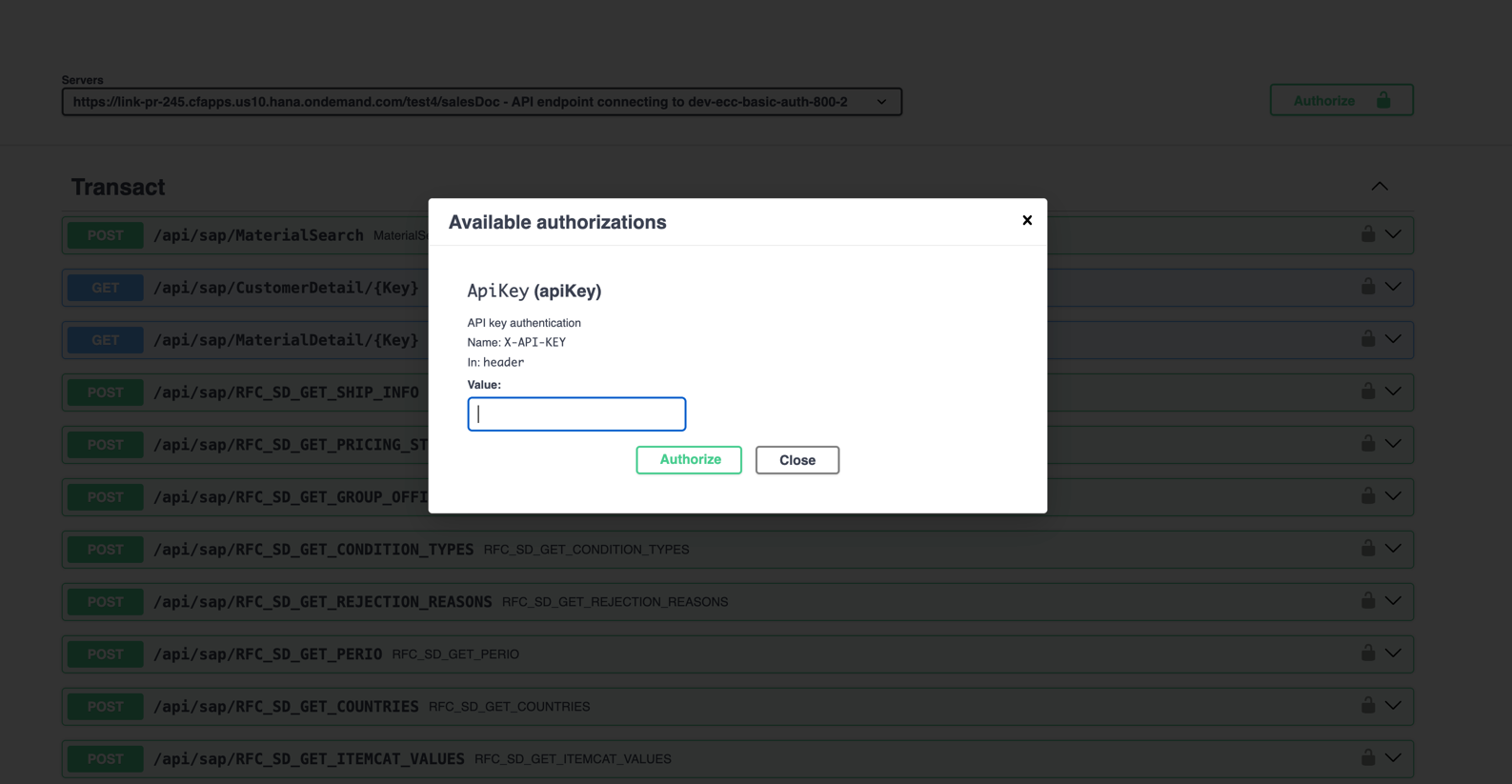
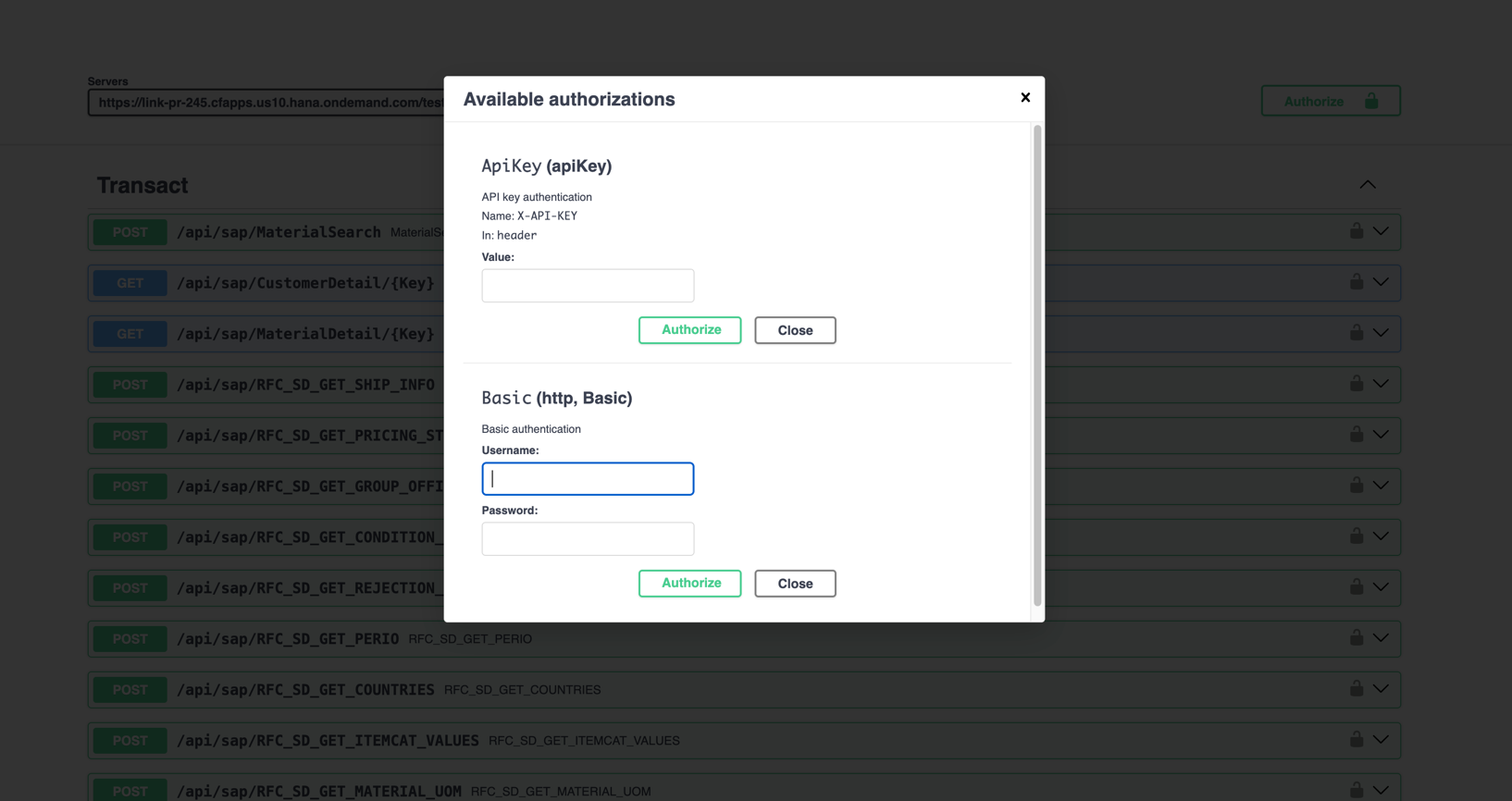
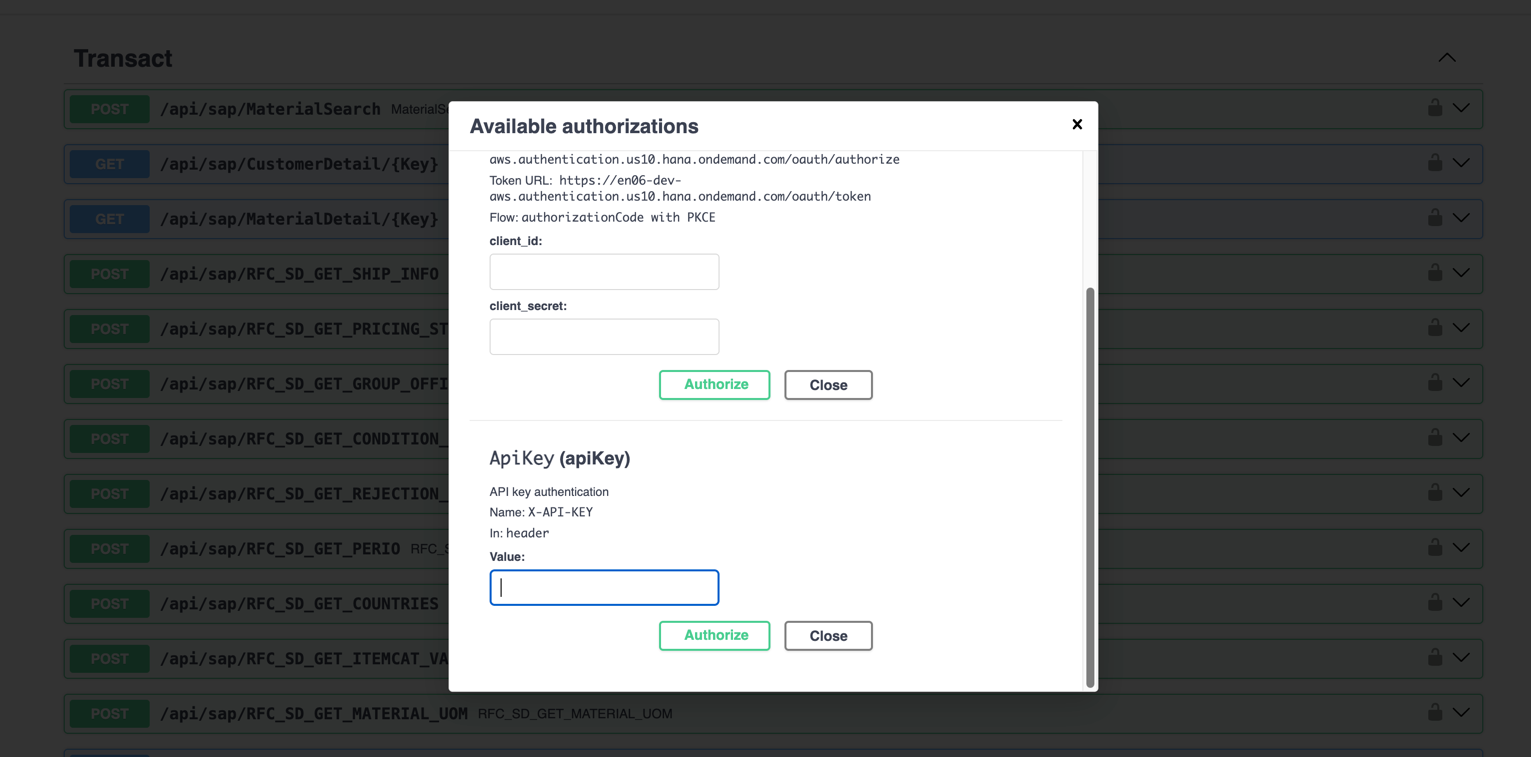
API proxies configured with an API Key are supported by Swagger UI. When users authorize in Swagger UI using an API key, they can use the Try it out feature to execute API calls directly from Swagger UI. This enables interactive testing of the API endpoints while ensuring that only authorized users can perform such actions.
OpenID Connect (OIDC) Configuration
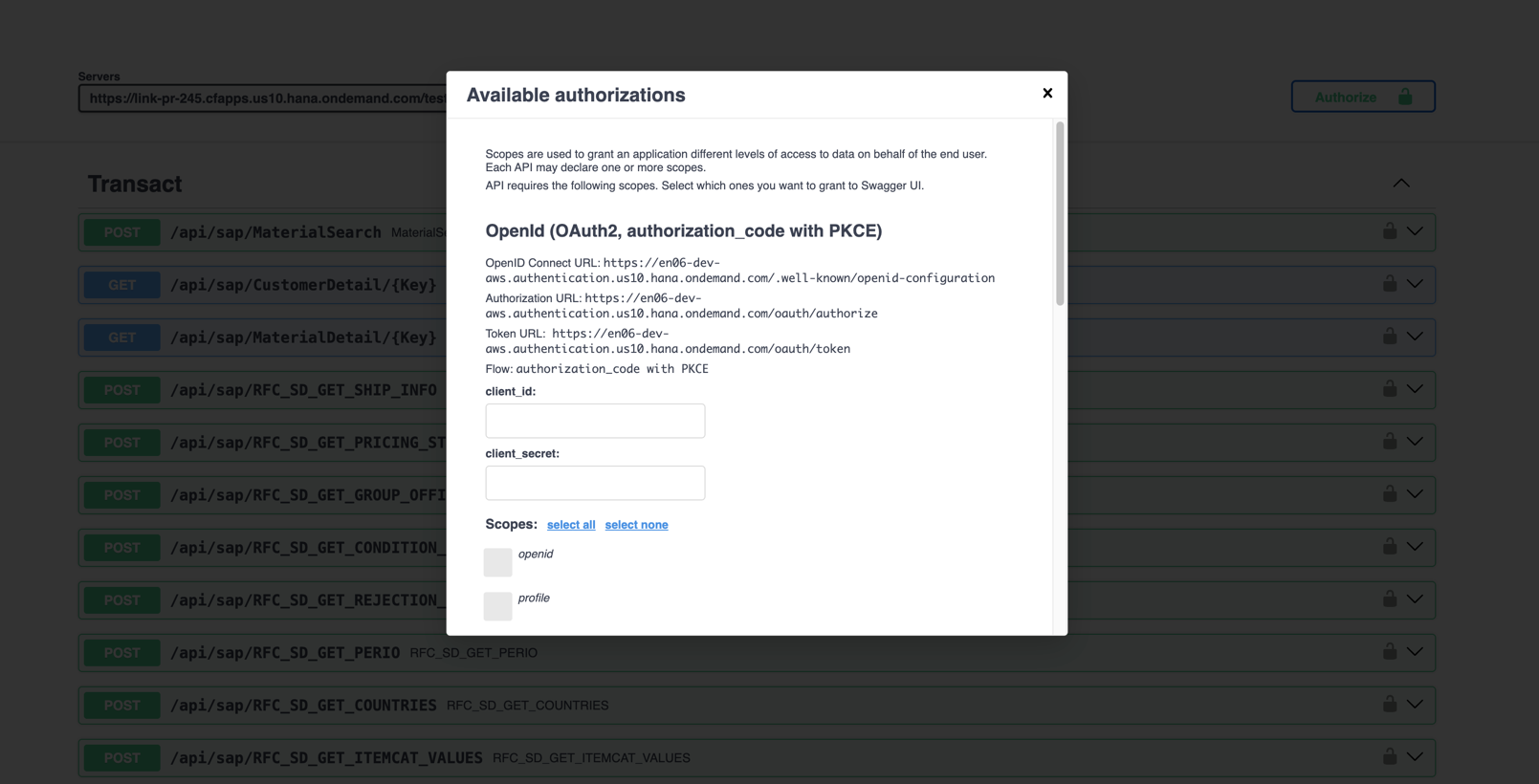
API proxies configured with OpenID Auth are also supported by Swagger UI. When users authorize in Swagger UI via an OpenID Connect (OIDC) flow, they are redirected to the identity provider to sign in and then returned to Swagger UI.
If Try it out is enabled, users can execute API calls directly from the Swagger UI after completing the OIDC flow.
Enabling Swagger UI Try It Out
Swagger UI Try it out is disabled by default. To enable it, set SwaggerTryItOutEnabled: true in the API Proxies configuration:
ApiProxies__0__SwaggerTryItOutEnabled: true
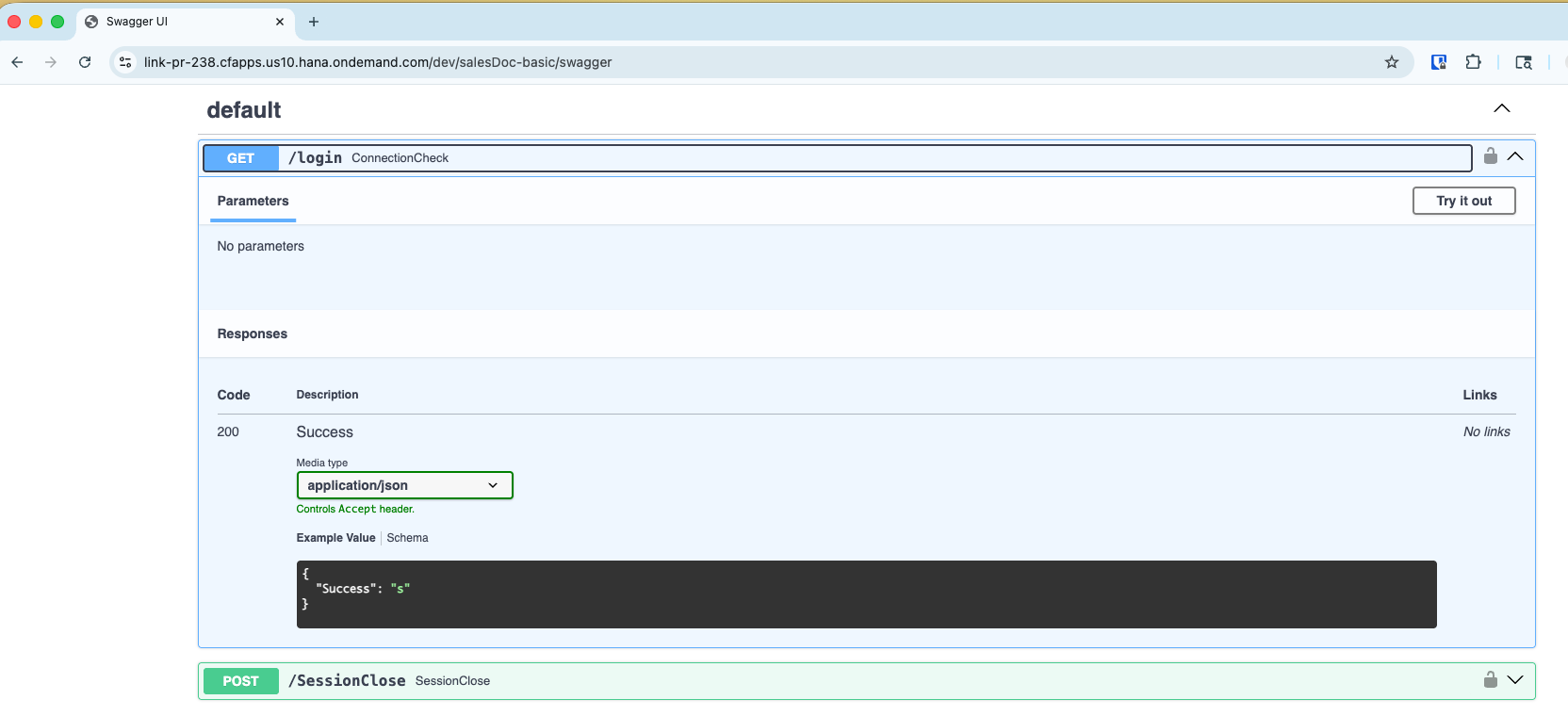
Swagger UI supports different authentication mechanisms for testing APIs:
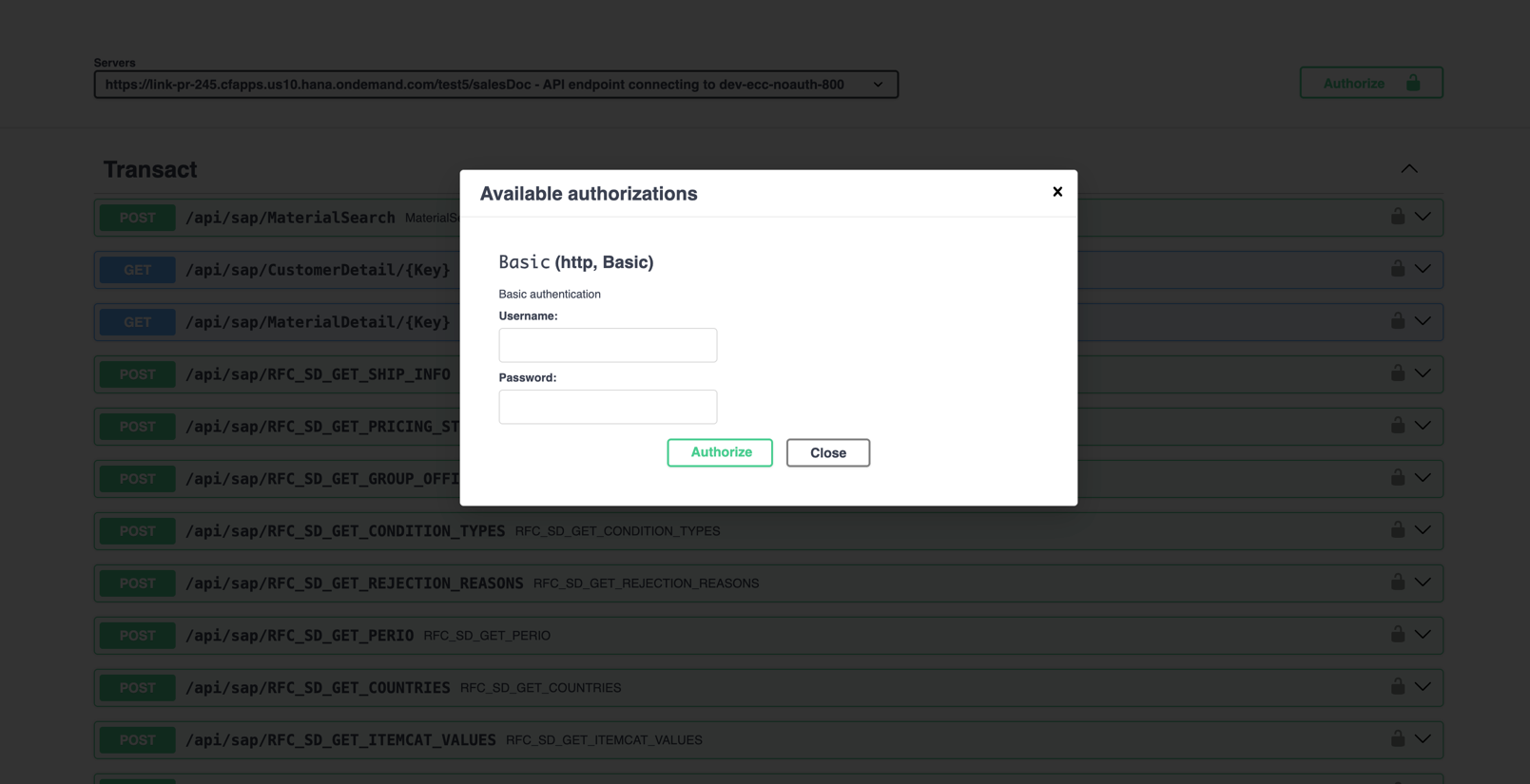
- Basic Authentication – an API proxy configured with a NoAuthentication (passthrough) destination (Basic auth is supplied by the caller).
- API Key Authentication – an API proxy configured with an API key and a basic authentication destination.
- Principal Propagation – an API proxy configured with a principal propagation destination.
- API Key and Basic Authentication – an API proxy configured with a NoAuthentication (passthrough) destination and an API key (Basic auth is supplied by the caller).
- API Key and OAuth Authentication – an API proxy configured with a principal propagation destination and an API key.
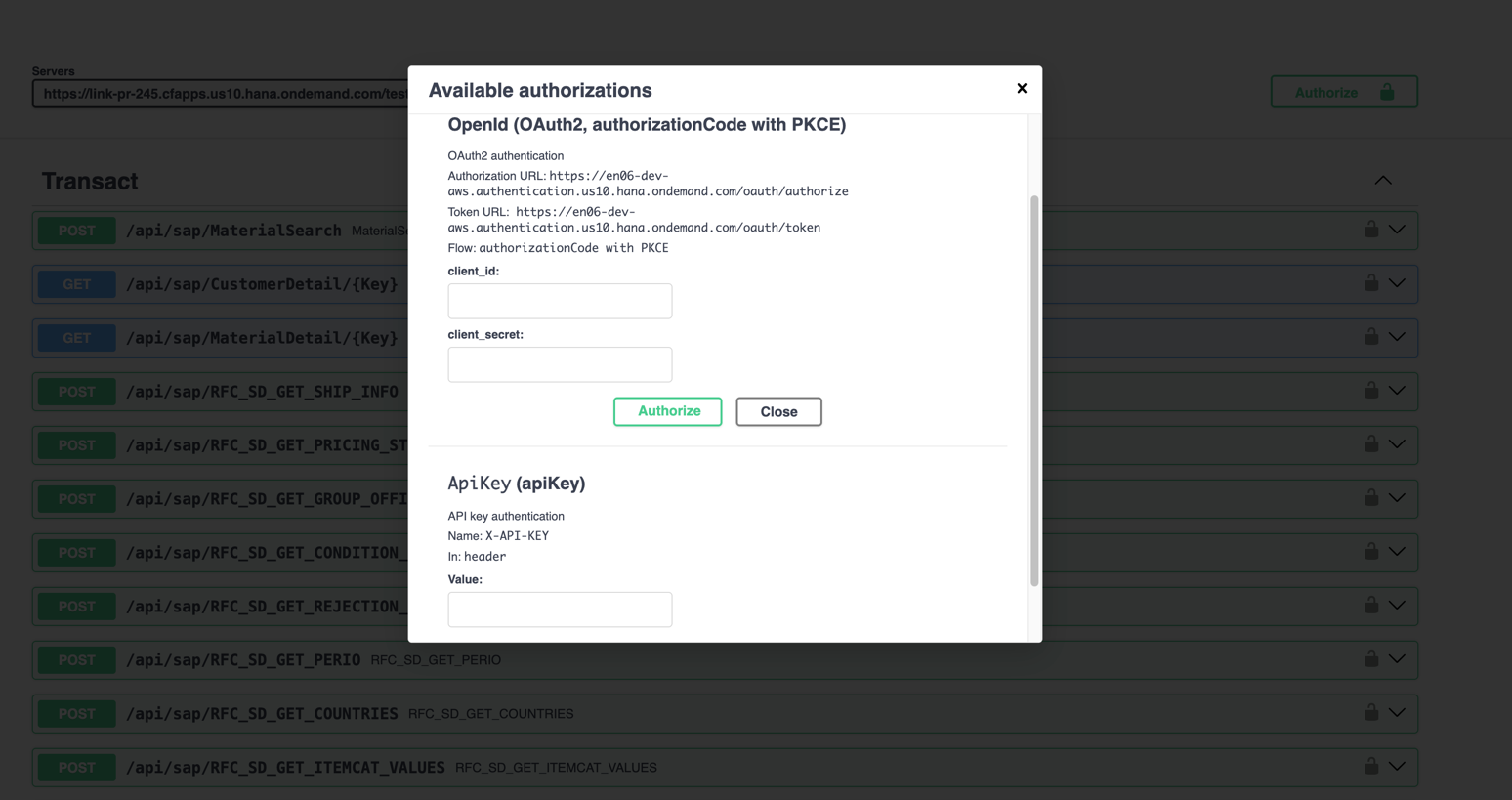
- API Key and OIDC Authentication – an API proxy configured with OAuth, an API key, and a basic authentication destination.
See API Proxies for the full list of configuration options.